






Automate telecom infrastructure with AI
What is MCP Server?
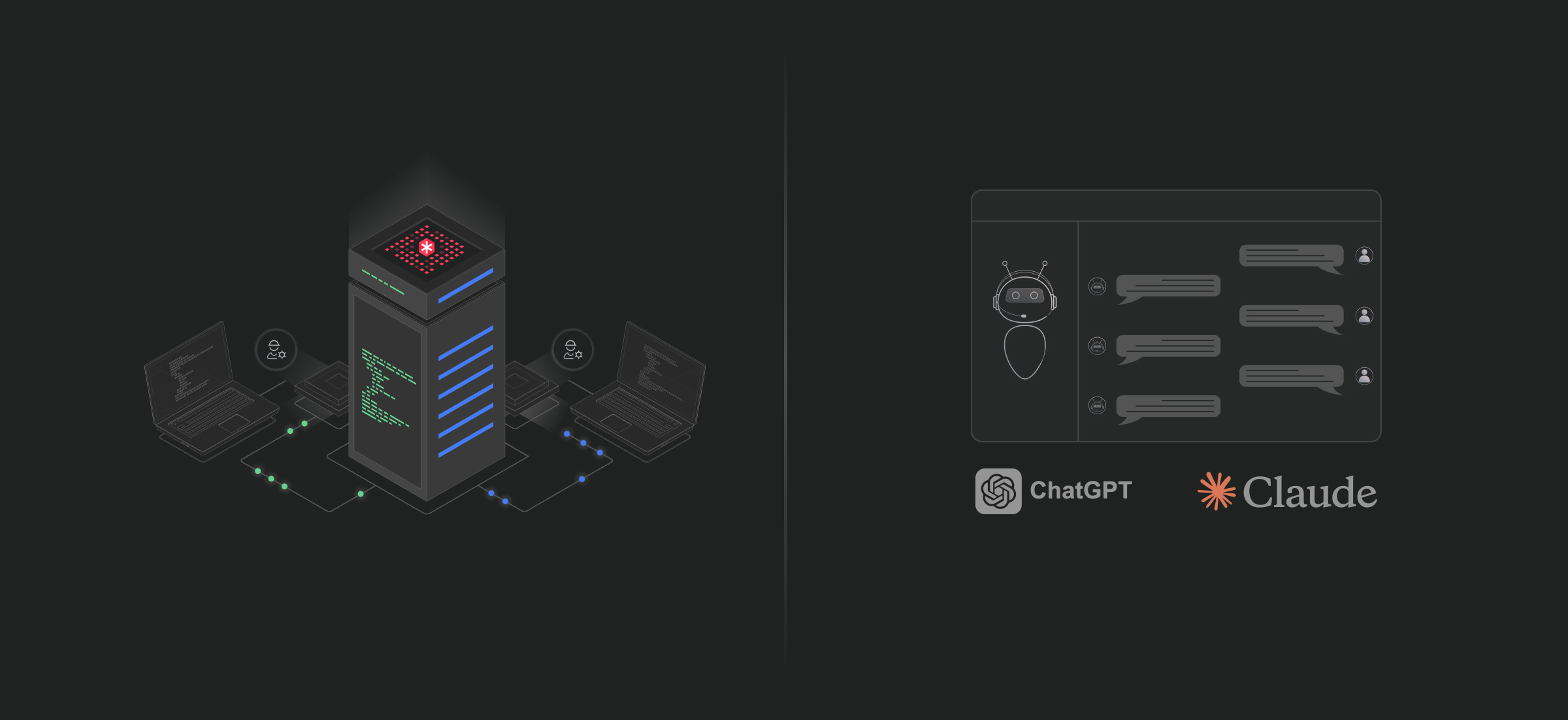
Why didlogic MCP Setup


Connect in 4 simple steps
Complete telecom toolkit
Industries we empower


Our clients






































About didlogic

Frequently Asked Questions: MCP Setup
Does MCP Setup work with ChatGPT Plus?
Yes, but Plus users must enable Developer Mode in settings. Pro, Team, and Enterprise plans have MCP support enabled by default.
Can I use MCP with Claude web interface (claude.ai)?
Currently, MCP is only supported in Claude Desktop application, not the web interface.
Are there usage limits for MCP commands?
No artificial limits on MCP commands. Standard didlogic rate limits and usage policies apply to underlying telecom operations.
How do I revoke MCP access?
Remove the MCP server from your AI assistant settings, or revoke OAuth permissions through your didlogic account dashboard.
Can multiple team members use MCP with the same didlogic account?
Yes. Each team member authenticates with their own OAuth token. Permissions are controlled through didlogic user roles and access policies.
What happens if the MCP server is unavailable?
Your AI assistant will notify you that didlogic tools are temporarily unavailable. Your didlogic account and services remain accessible through the web dashboard.
Is there a cost to use MCP Setup?
MCP Setup is free for all didlogic customers. You only pay standard didlogic rates for telecom services (DIDs, calls, SMS, etc.).
What types of users is didlogic MCP Setup designed for?
didlogic MCP Setup is built for:
-
Telecom and VoIP administrators
-
DevOps and infrastructure teams
-
AI-native operations teams
-
BPO and contact center managers
-
Product teams running CCaaS or CPaaS platforms
It is particularly valuable for organizations managing high volumes of DIDs, SIP accounts, and routing rules across multiple countries where operational speed and auditability matter.
Do I need technical expertise to use MCP with didlogic?
Basic familiarity with telecom concepts (DIDs, SIP, routing) is recommended.
However, MCP removes the need to:
-
Navigate complex dashboards
-
Write API calls
-
Maintain integration scripts
You can execute operational changes through structured natural language prompts, while still maintaining full infrastructure control.
How secure is the OAuth 2.0 authentication model?
didlogic MCP Setup uses OAuth 2.0 authentication, which:
-
Eliminates API key exposure
-
Prevents credential sharing
-
Maintains session-based authorization
-
Allows revocation at any time
All actions executed via MCP remain tied to your didlogic account, preserving traceability and audit logs.
Are MCP commands logged and auditable?
Yes.
Every telecom action performed through MCP (number purchases, routing changes, SIP creation, etc.) is logged within your didlogic account. This ensures:
-
Full operational transparency
-
Compliance tracking
-
Internal governance support
-
Security review capability
This is critical for regulated industries like fintech and telecom.
Can MCP replace API integrations entirely?
It depends on your use case.
MCP is ideal for:
-
Operational management
-
Administrative workflows
-
Rapid configuration
-
Troubleshooting
-
Monitoring and analytics queries
However, high-volume real-time transactional systems (e.g., automated provisioning pipelines) may still require traditional API integrations.
Many organizations use both, MCP for human-driven operations, API for programmatic automation.
What happens if I issue an incorrect command?
MCP executes real infrastructure changes.
Before performing high-impact actions (such as routing changes or number purchases), it is recommended to:
-
Confirm your prompts carefully
-
Use staging or test numbers when applicable
-
Maintain internal approval processes
Because MCP is conversational, clarity in instruction directly impacts execution accuracy.
Can I control user permissions within MCP?
Access is governed by your didlogic account permissions.
If your organization manages multiple team members:
-
Restrict didlogic account access by role
-
Use internal policy controls for MCP usage
-
Revoke OAuth access when needed
Enterprise governance should mirror your standard telecom access policy.
Does MCP support bulk operations?
Yes, depending on the command structure.
You can:
-
Search and provision multiple DIDs
-
Modify routing rules across numbers
-
Analyze usage across date ranges
-
Audit multiple SIP accounts
Bulk operational workflows are significantly faster through conversational execution than manual dashboard actions.
Can MCP monitor telecom spend in real time?
Yes.
You can query:
-
Transaction history
-
Usage costs
-
Billing events
-
Anomalous spending patterns
This allows finance and telecom operations teams to proactively detect irregular activity or budget threshold breaches.
Does MCP support multi-country telecom operations?
Yes.
didlogic provides coverage in 130+ countries with local DIDs and SIP trunking capabilities. Through MCP, you can:
-
Search availability by country
-
Filter by area code
-
Check regulatory capabilities
-
Provision numbers instantly
This is especially useful for BPOs and global platforms expanding into new regions.
How quickly do infrastructure changes take effect?
Most actions execute instantly.
Examples:
-
DID provisioning → immediate assignment
-
Routing updates → applied in real time
-
SIP account creation → live after configuration
-
IP allowlist changes → effective upon update
However, regulatory approval requirements for certain countries may affect number activation timelines.
Can MCP help with fraud detection?
Yes.
You can:
-
Query call logs by pattern
-
Identify unusual call durations
-
Detect sudden traffic spikes
-
Monitor spend anomalies
This provides operational visibility that can reduce fraud exposure and revenue leakage.
Can I disable MCP access if needed?
Yes.
You can:
-
Revoke OAuth authorization
-
Remove MCP server access from your AI platform
-
Control access via didlogic account permissions
Security and access control remain centralized within your didlogic infrastructure.
How is MCP different from using the didlogic dashboard?
| Dashboard | MCP |
|---|---|
| Click-based navigation | Conversational execution |
| Manual workflow | Prompt-driven automation |
| UI-dependent | AI-integrated workflow |
| Sequential changes | Multi-step automation via single instruction |
MCP improves speed and reduces operational friction while preserving infrastructure control.
Do I need to install any additional software?
No.
You only need:
-
A didlogic account
-
Access to ChatGPT or Claude Desktop
-
OAuth authorization
No SDKs, no local software, no custom integration layer required.